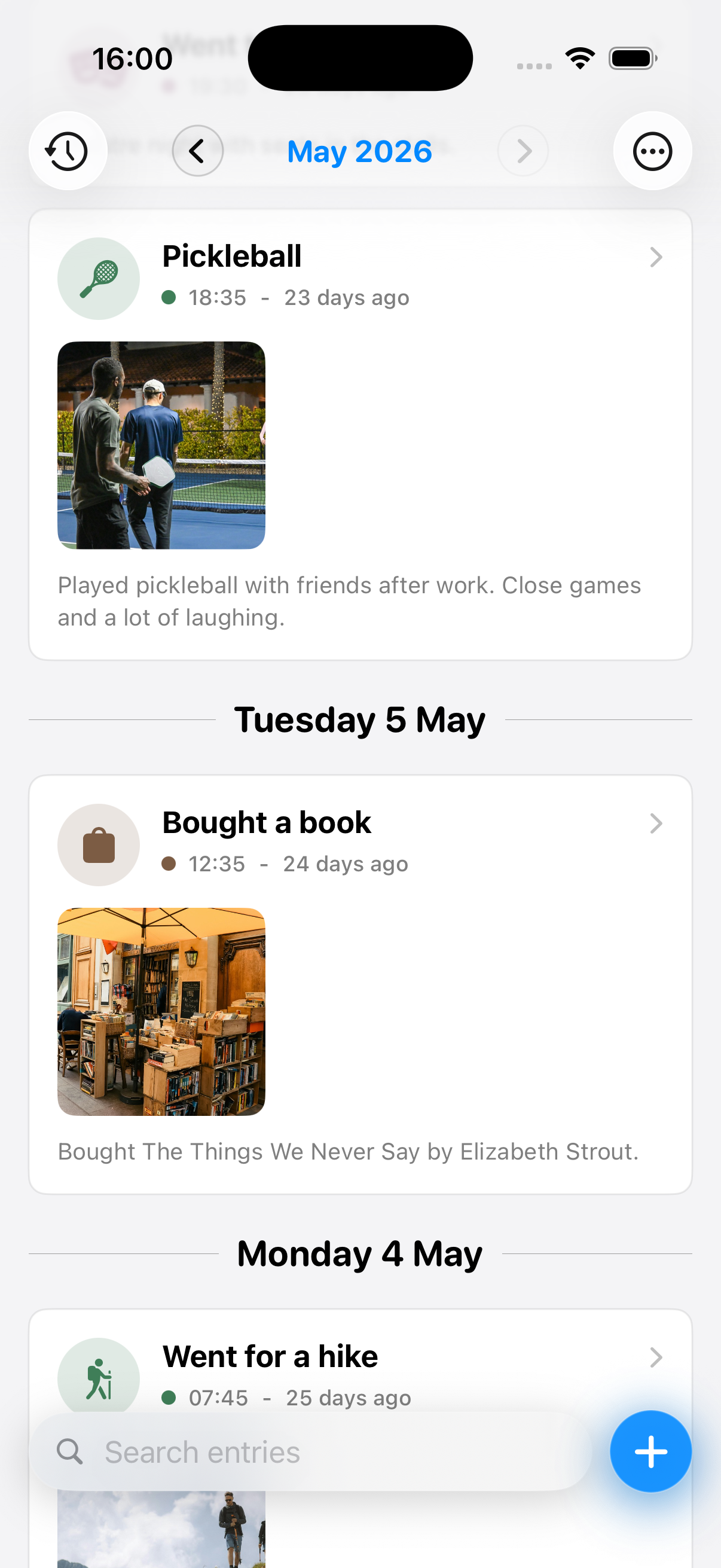
The timeline
Viewing an activity
Tap an activity to view more details.
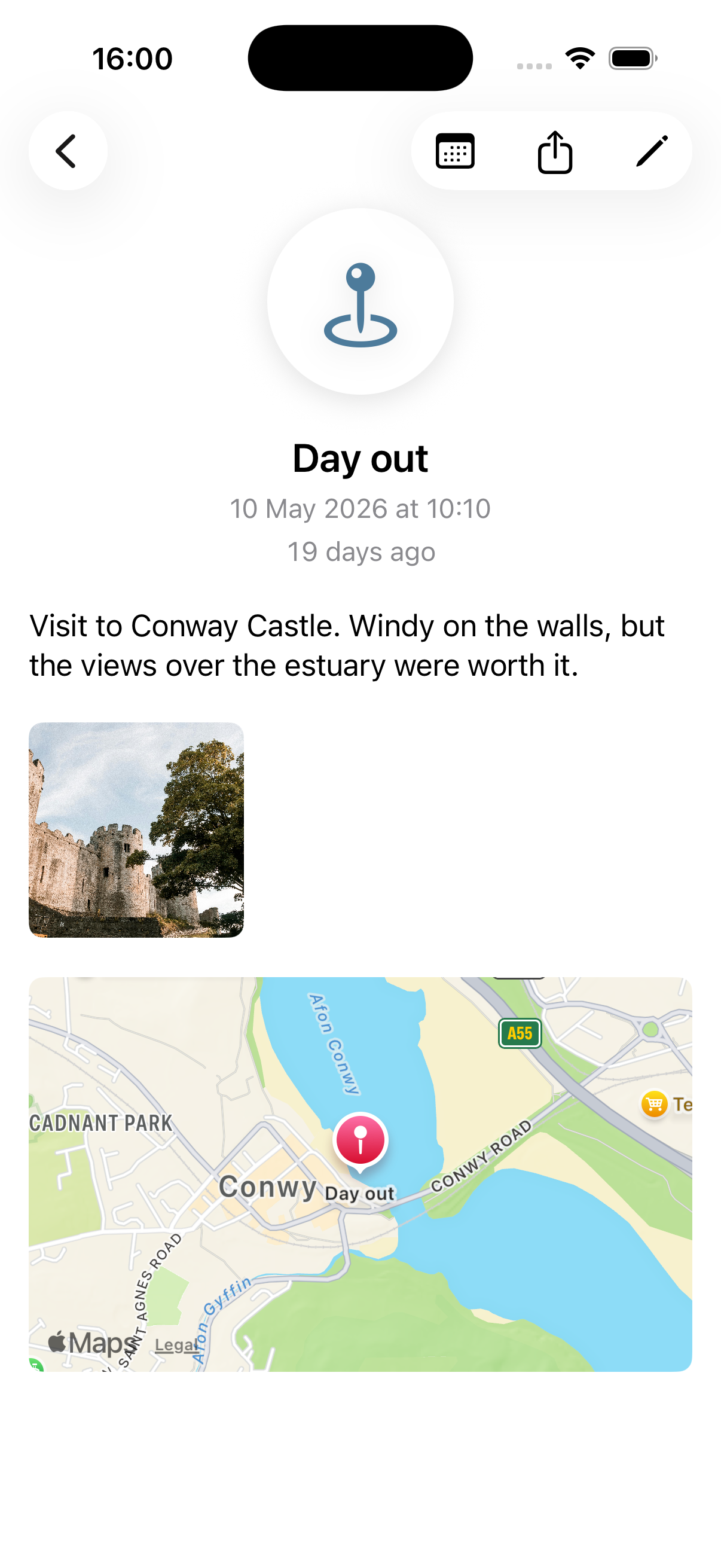
Images can be viewed fullscreen by tapping on them.
The activity menu
Long-press an activity to bring up the activity menu.
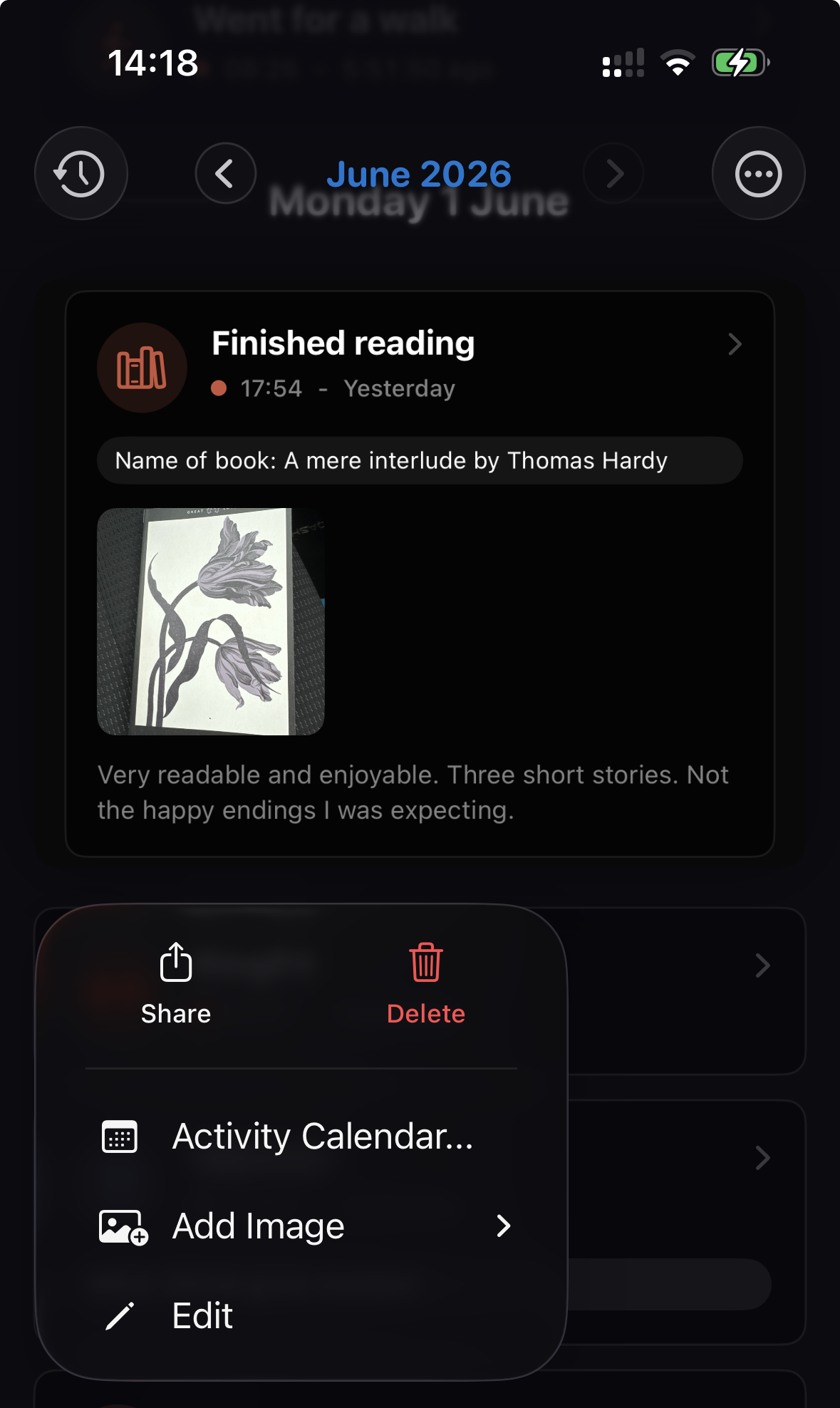
Here you can:
- Share an activity - this creates a shareable image of the activity, which you can share on social media or with other apps.
- Delete an activity.
- View the Activity Calendar.
- Quickly add an image.
- Edit the activity.
The activity calendar
The activity calendar gives you a month-by-month view of an activity type, or all activity types in a category.
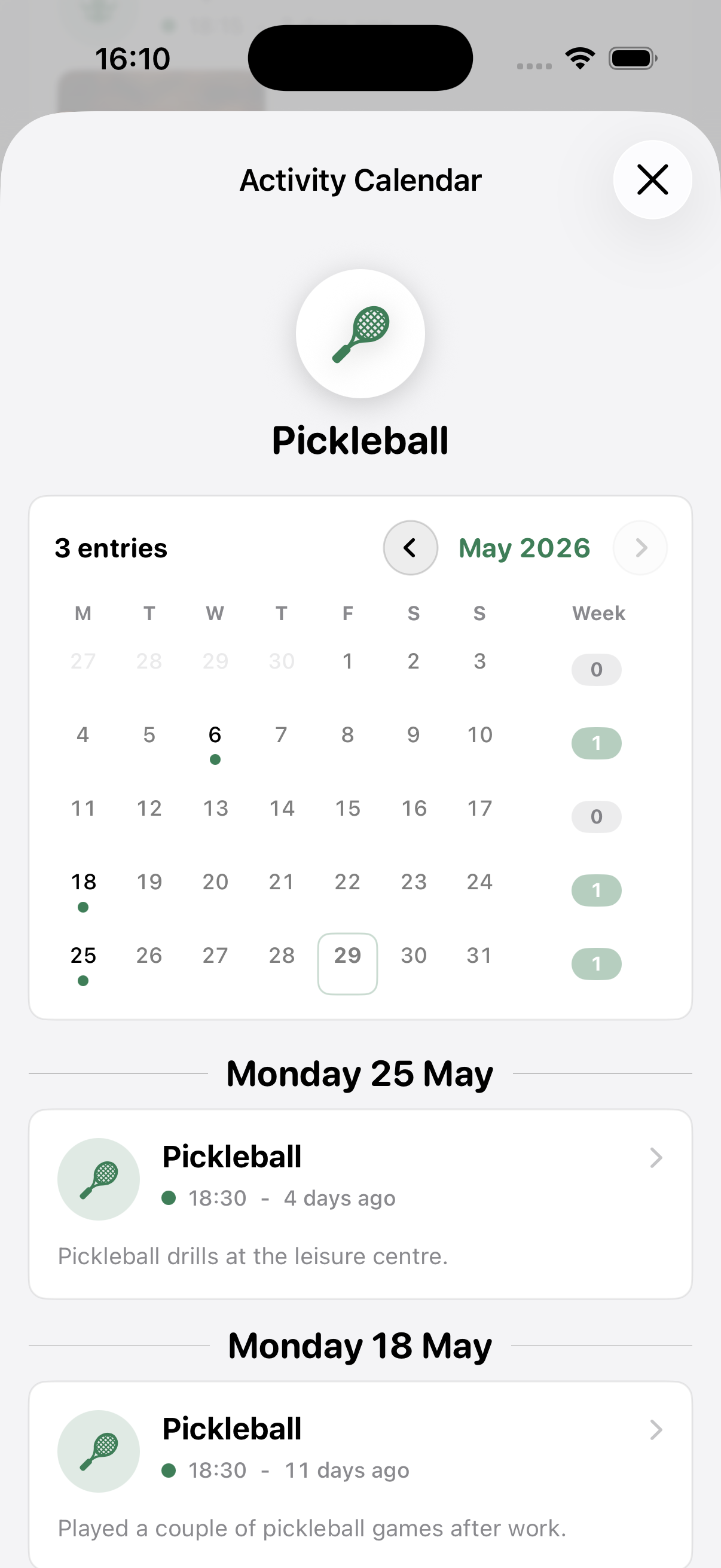
You can quickly see how often you’ve done something, and when you did it.
Memstone isn’t going to tell you off for not doing something – the activity calendar gives you a calm focused way to check in on your progress.