
Export Your Data
Memstone can create a PDF or Markdown export of your entries.
Tap the menu button in the top right corner and select Export.
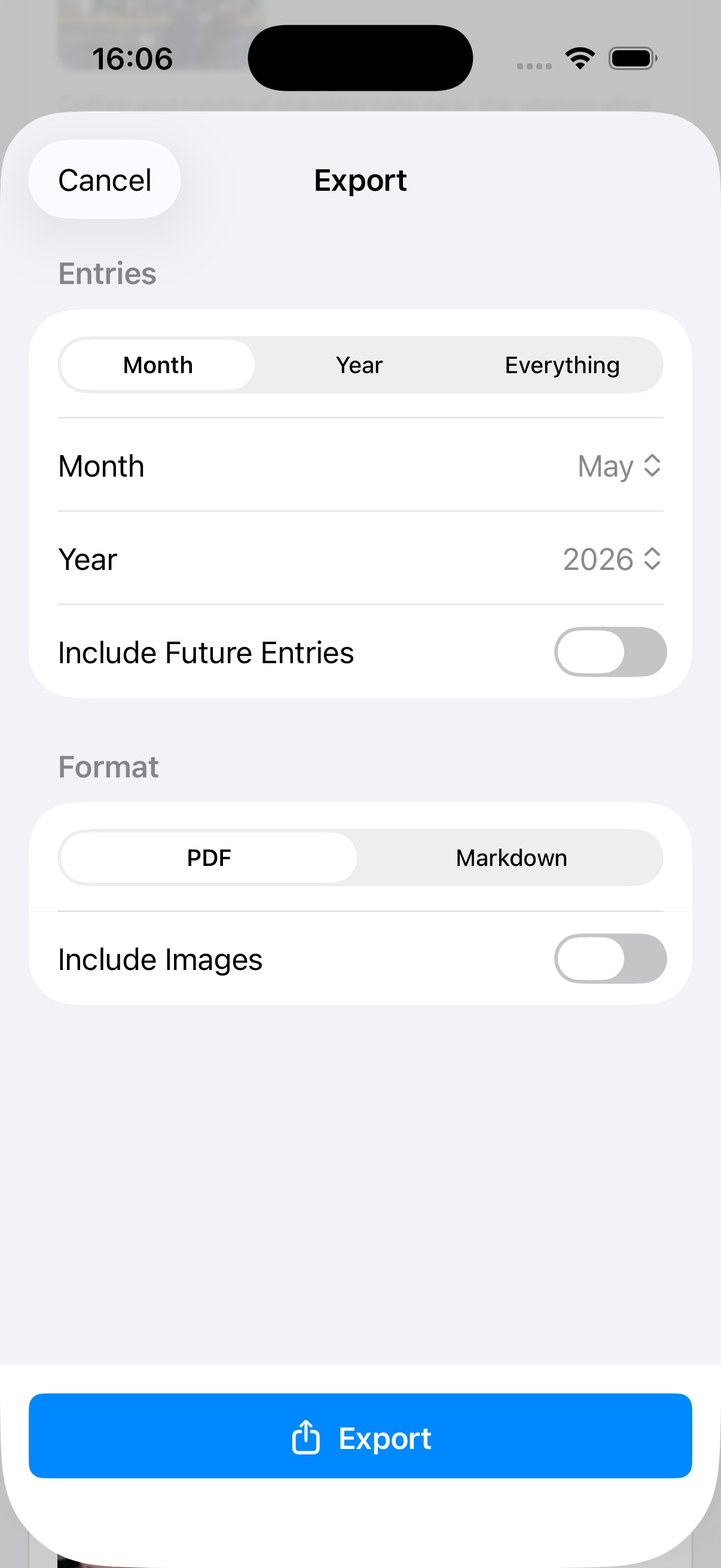
- Select Month, Year, or Everything.
- If you select Month or Year, choose which month or year to export.
- Choose whether future entries should be included.
- Select PDF or Markdown.
- If you chose to export a single month, you can include images.
- Tap Export once everything is set.
If you selected Markdown and included images, a ZIP file will be created with the exported Markdown file and all images.