Memstone blog

Make logging feel light

Small ways to keep activity logging quick enough that you will actually keep doing it.

The best logging habit is the one that stays out of your way. If an entry takes too much attention, it starts to feel like a chore instead of a memory aid.

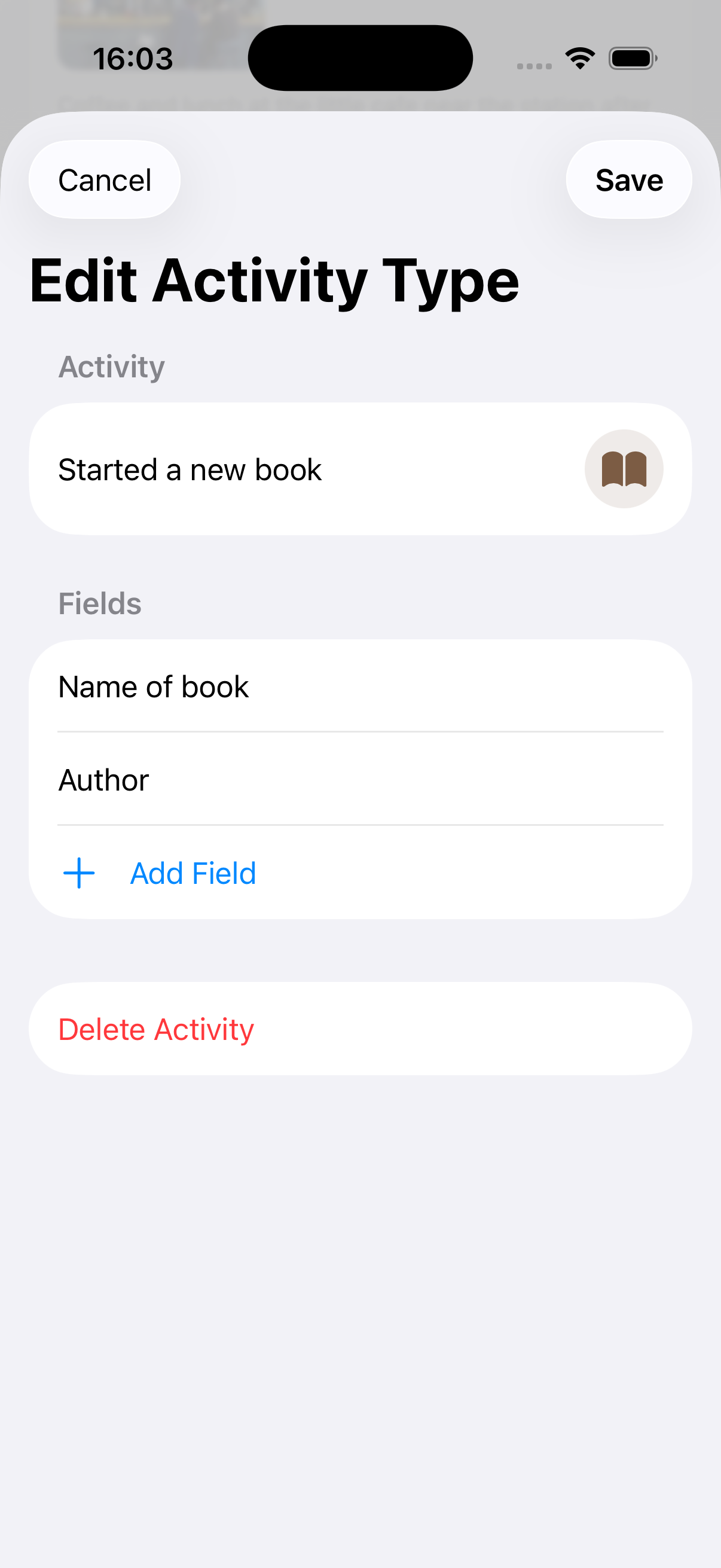
Put the activities you use most often near the top, keep field lists short, and let notes carry the texture when something unusual happens.

Most days only need a quick tap. The richer entries can happen when the moment deserves it.

If you want to log an activity while doing it, don’t include any details at that moment. Save that for later when using your phone won’t be a distraction. The act of logging a specific type of activity will be more than enough to remind you later what details to add.

To change the order of activities in a category

  1. Tap the menu button from the timeline.
The menu
  1. Select Categories.
  2. Tap the category you want to reorder.
  3. Drag and drop activities to reorder them.

For faster logging of common activities you can make them a favorite

  1. Tap the menu button from the timeline.
  2. Select Settings.
  3. Tap Favorite Activities
  4. Tap each activity you want to make a favorite (up to 10)

These activities will now be more likely to appear in the home screen widget, in the Apple Watch app or when you long-press the add button.